



Best Email Tracking Software for Outlook

Want to track emails in Outlook? That’s a great idea if mailing is the bedrock of your job. Good news – there’s plenty of email tracking software that will do it for you. Over 93,000 companies use Outlook as their go-to email provider, but many people don’t realize they can integrate it with other apps. Get to know the best ones!

Can Outlook track email opens?
There is a read receipt feature in Outlook, but it’s not that useful if you think about it. Why is that, you might ask? Because all it does is ask the recipient if they agree to send you a read receipt! The app will never notify you that your email has been opened if the person on the other end has disabled this feature or simply clicks “No.”
So what’s the alternative? There’s email tracking software that not only tells you when the recipient opens your message or file but also scores your leads to help sales reps focus on the most interested ones.
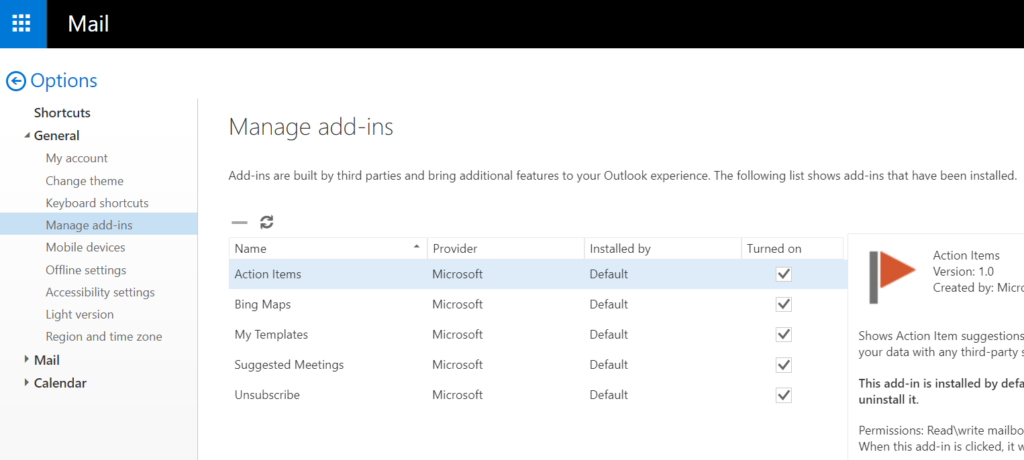
Many of these apps have Outlook plugins or add-ins – thanks to them, you can track emails without switching to another email provider or sending messages directly from third-party software. Get the app you want, install the plugin, and make more sales by learning stuff about your recipients that you’d never have known otherwise.
What is the best email tracker for Outlook?
Dozens of apps compatible with Outlook allow you to track emails. Some of them will also speed up your sales cycle in other ways, such as noting the devices and locations from which recipients open your emails. Here’s a quick comparison of the 5 best email tracking software options for Outlook.
Sellizer – #1 email tracking software for Outlook
Sellizer solves sales professionals’ problems and helps them improve their results on many levels. It’s a proposal monitoring app that gives users access to valuable analytics. Thanks to them, they can tweak their sales process over time to close more deals and increase revenue.
So what does Sellizer do as an email tracking software?
It shows you if the recipient has opened your email and notifies you with an SMS when they first open your file – a business proposal, a sales pitch, or anything else.
It tells you how much time the recipient spent on reading your files, and which pages held their attention longest.
It allows you to schedule automated follow-up emails if you don’t get a response.
It allows you to send emails in bulk without ending up in the spam folder.
Other features include message templates, lead nurturing, and personalized email signatures. And for sales leaders? Sellizer generates team activity reports to make team management easier than ever!
Download Sellizer for Outlook [here].
Mailtrack – #2 email tracking software for Outlook
The second best email tracking software is Mailtrack. The reason? It’s lightweight, intuitive, and completely free if you don’t need any features besides email open tracking. And even if you do choose a paid plan, it’s the cheapest and simplest of the kind.
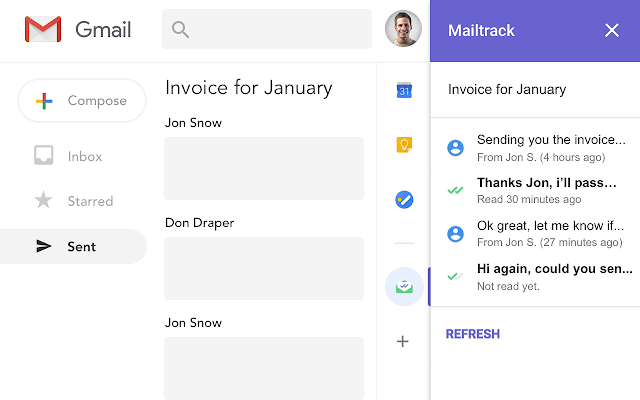
There’s one catch – Mailtrack isn’t technically compatible with Outlook. However, with all its advantages, it might be worth connecting your email client to Gmail just to use this extension. Nobody will see your Gmail address anyway, and you can continue using your normal address. Here’s how!
Create a Gmail account.
Navigate to the account settings, click “See all settings”, and then “Accounts and Import”.
Scroll to “Check mail from other accounts” and add your Outlook email address, then select “Link accounts with Gmailify”.
Use Gmail to send messages (choosing your Outlook email as the “From” address) and access Mailtrack’s features.
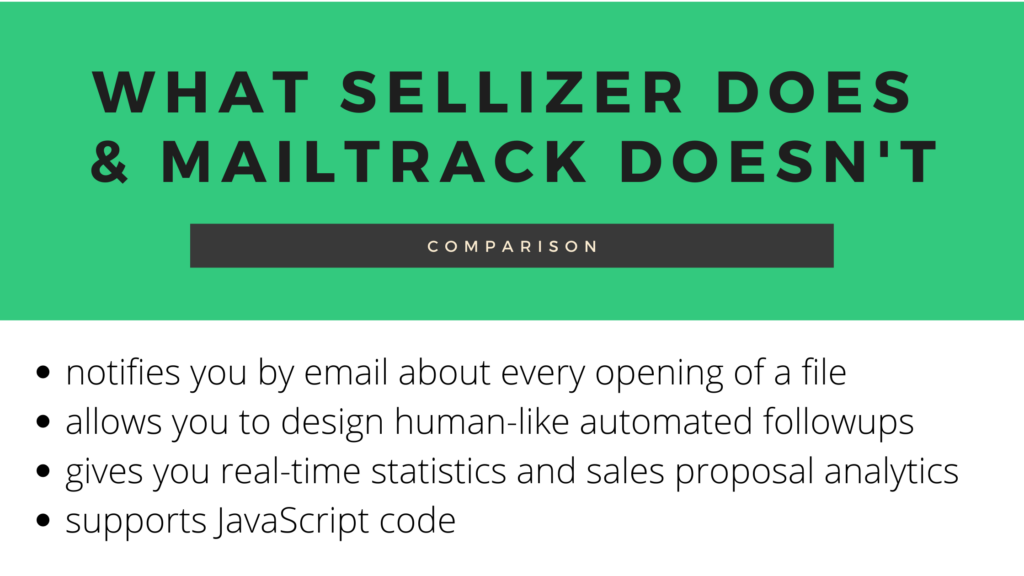
See also: Sellizer and Mailtrack compared.
Leadboxer – #3 email tracking software for Outlook
Leadboxer is all about lead and customer intelligence. Through this platform, you can identify and qualify leads easier and faster. With many enriching features, such as powerful filters and scoring algorithms, it’s sure one of the best apps to track emails as a sales professional.
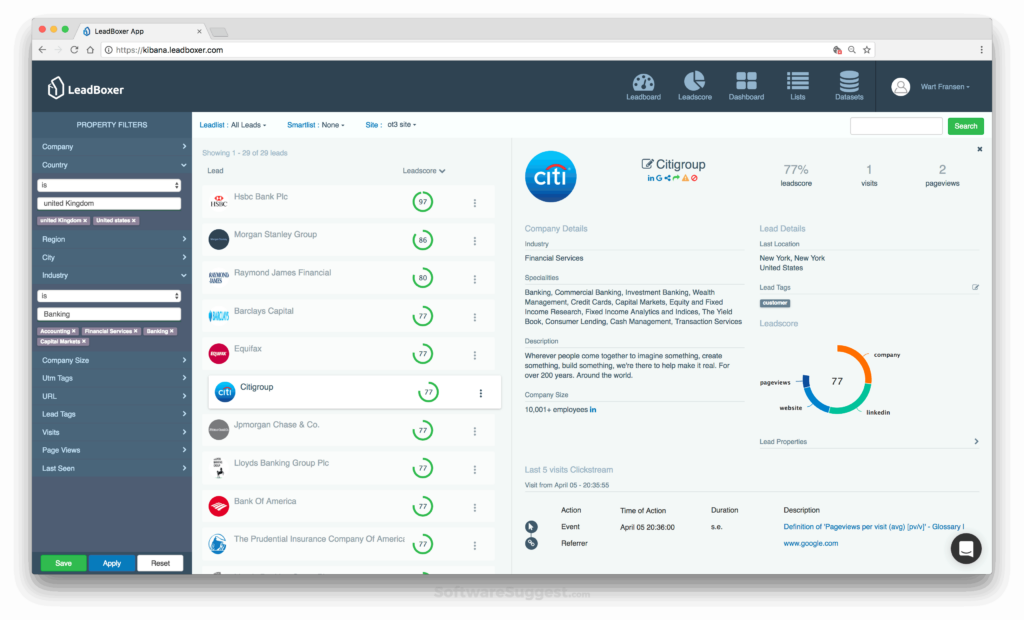
How to track emails with Leadboxer? You’ll need to purchase the Basic or Premium plan. One is geared towards small companies, and the other is specifically suited for large organizations. With either one, you get access to many features including lead segmentation, web and email behaviour tracking, and helpful notifications.
Download Leadboxer for Outlook [here].
Yesware – #4 email tracking software for Outlook
Meet another sales support app that acts as an email tracking software – Yesware. It helps users take action and make informed decisions using tools and data such as:
email, attachment, and activity tracking,
prospecting campaigns and campaign reporting,
email templates and template reporting,
a meeting scheduler.
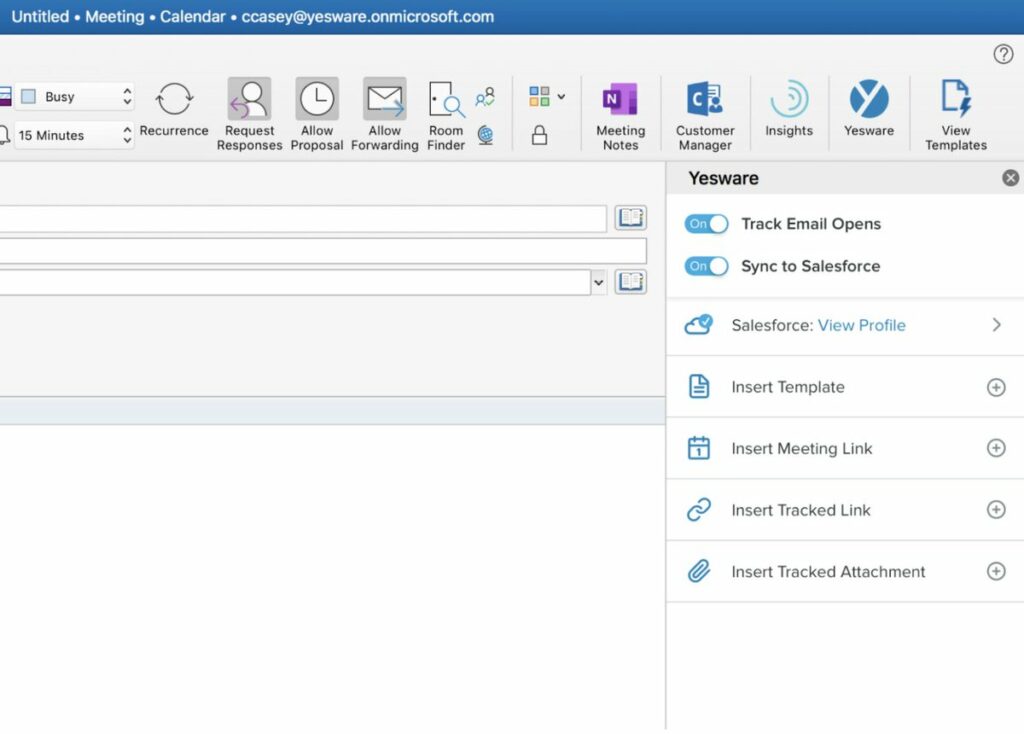
With Yesware, you can make more sales, increase revenue, and triple the deal volume per sales representative. The app is quite pricey for the number of features, though, compared to Sellizer or Mailtrack.
Download Yesware for Outlook [here].
Mailbutler – #5 email tracking software for Outlook
Mailbutler does a lot of things in your inbox. It’s a versatile email extension that deserves to be in the TOP 5 – most importantly, it lets you track emails. Find out not only when but also where, how often, and on what devices your emails have been opened. Whatever you’d like to know about your contacts, the app won’t leave you guessing.
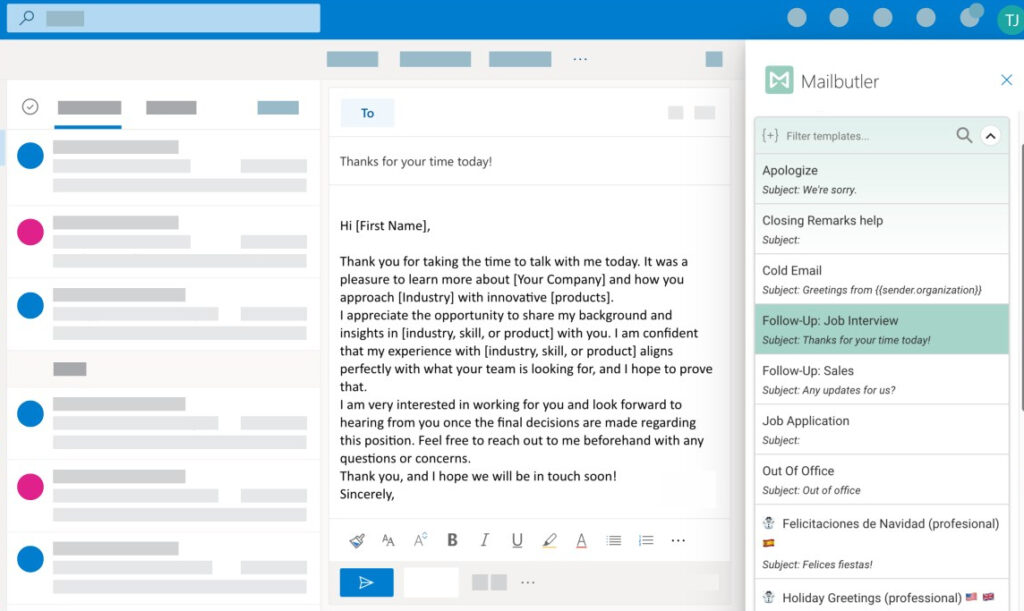
If you’re looking for something to help you sell, you’ll be more satisfied with sales tracking software like Sellizer or Leadboxer. But if you’re here for a simple app to schedule and track emails, Mailbutler might be enough – there’s a free plan for private users, too.
Download Mailbutler for Outlook [here].
See also: Sellizer and Mailbutler compared.
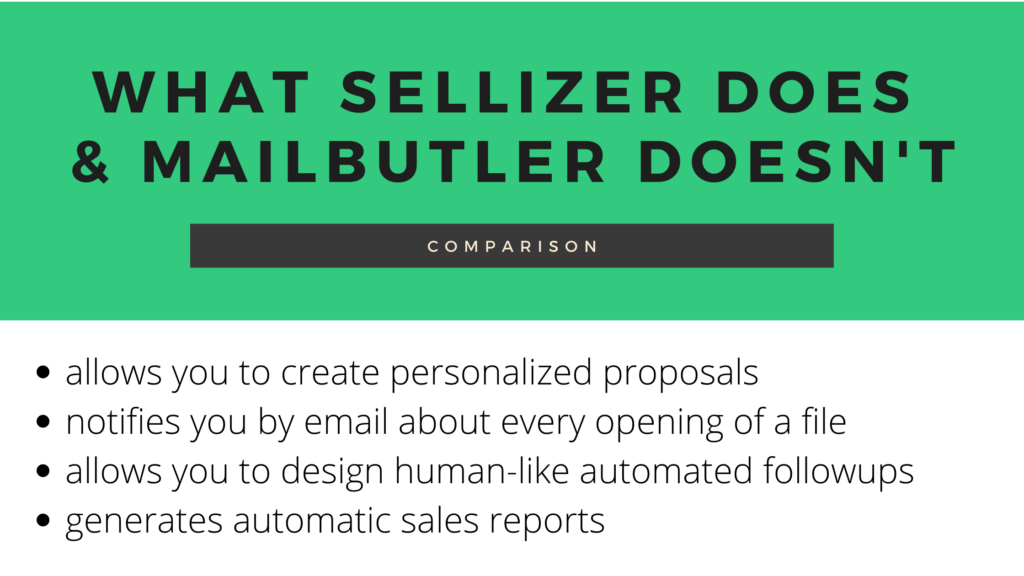
Accelerate your sales pipeline with email tracking software
Using the best email tracking software, you’ll stay informed on what happens to the important emails you send all the time. Whether you’d like to monitor the internal communication in your company or use sales analytics for more profit, these apps will keep you on the right track!