



Social Selling Tools That Actually Help You Sell

Sales success begins with building a quality relationship with the client. Quality, meaning based on knowing and understanding their expectations and needs. Social media are a treasure trove of such information. The social selling tools below will help you use the sales potential of social media.
Internet and social media monitoring
For your social selling activities to be effective, you must be sure you are communicating with the right audience. Locating potential clients is the basis for reacting quickly to what they say and, consequently, building your brand's image as the solution best matched to their needs. Internet and social media monitoring tools are invaluable support here. With them, you will not miss any statement that may be crucial for your sales. To explore the topic further, we asked experts from leading internet monitoring companies for their views.
SentiOne
One of the reasons entrepreneurs decide on internet monitoring is increasing sales. A good social selling strategy and properly conducted online activities bring more potential clients than a call center. The first step - locating the client - and the next one - entering the discussion with the target group - are an excellent start to the sales process. Direct contact is motivating for internet users and convinces them to a specific brand or service like little else. Positive emotions connected with a product can convince people to more than one purchase (even a less rational one).
SentiOne lets you analyze how social media communication translates into sales leads. Discussions in social channels happen in the public sphere, visible to a wide audience. Salespeople see the potential of internet monitoring above all in searching for phrases expressing purchase intent and opinions about competitors. By joining conversations about specific products or services, you can present your own offer.
A sales process based on internet monitoring starts with defining the company's needs and finding the valuable places on the web worth being present in. Reacting in real time to users' posts gives marketers sales opportunities, but also allows building the desired image. Entrepreneurs today face a huge chance to use every opportunity, responding to clients' needs in the right context and delivering the information they need.
Moreover, people responsible for social media sales struggle daily with controlling numerous channels and clicking through many pages. Most often they have no access to a single system where they could check how many mentions require a response or how many come from blogs, forums or news portals. SentiOne makes it possible to gather all potential leads in one place and respond from a single platform - and this time saving often lets the salesperson be first wherever people ask about their brand.

Jagoda Prętnicka - Head of PR & Comm CEE at SentiOne
Brand24
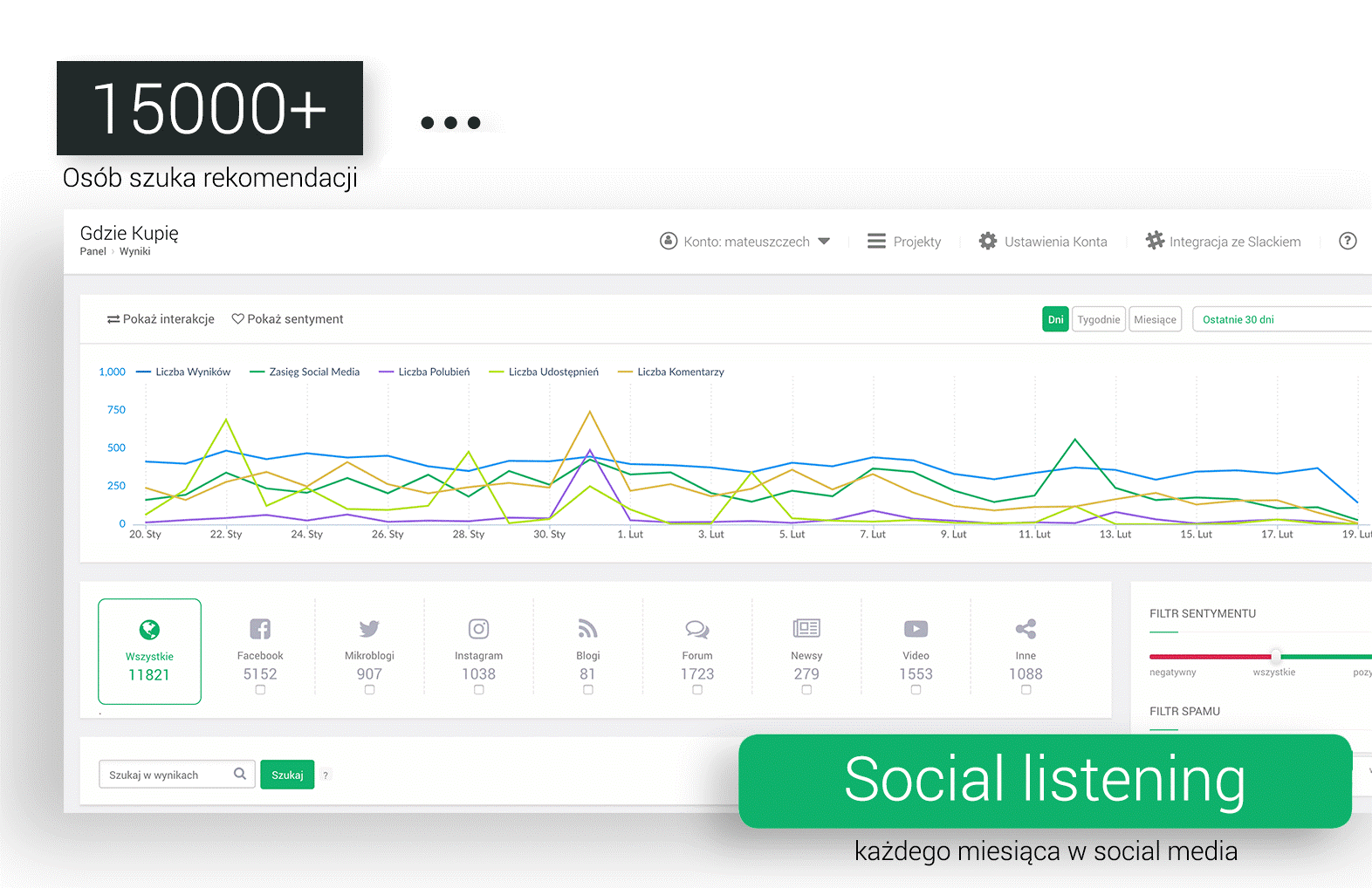
Monitoring does not have to be based solely on studying your brand's image on the web. Nothing stops us from monitoring a product category. For example, if we sell a marketing automation tool, it is practically our duty to monitor related phrases. Many people looking for such solutions ask their friends and followers for help, or simply post such a question on Twitter or Facebook. If we find such a mention somewhere - we can offer our service. And internet users ask about everything, so even when we think we have a niche product or service - category monitoring is worth trying. It may turn out there are people interested in such a solution who are simply unaware that yours exists. This way you point it out to them, serve it on a plate - saving them time... And our clients' time should be the most precious thing :)

In Brand24 itself, setting up such a query takes literally a moment - we choose the product category we are interested in, e.g. booking or restaurant, and using internal filtering we look for words with sales potential, such as: "looking for", "searching", "any recommendations". You can do this in practically every category. What is more, you can also work the other way around: set the keywords to "looking for", "searching" and watch thousands of recommendation requests flow into the tool. Requests from people who are potential clients for us. Entering such a conversation is simple - an example below:

As long as we are ourselves - nobody will accuse us of pushing anything by force!

Mikołaj Winkiel - Chief Evangelist at Brand24
Building and growing a network of business contacts
source: LinkedIn
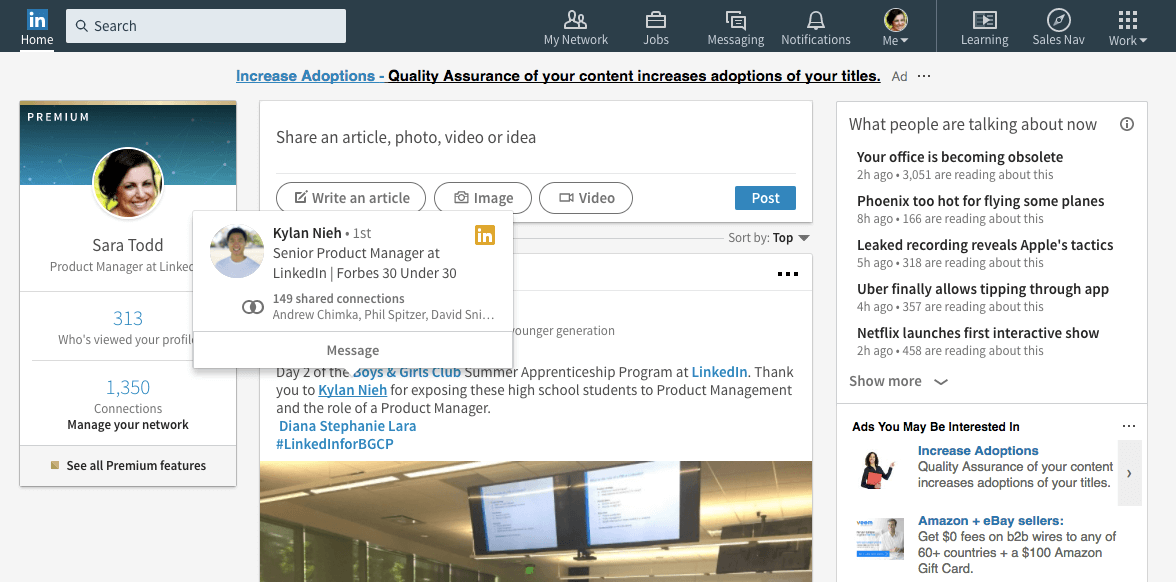
LinkedIn is a portal created for people who want to build and grow a network of business contacts. How can you use its features to raise your sales results?
Ask colleagues or clients for a short summary of your work together. Use it to fill in the "skills and endorsements" and "recommendations" tabs. Did you know that as many as 84% of decision-makers and 75% of B2B clients use social media to make purchase decisions? Positive opinions confirming the effectiveness of your work in practice can be the deciding factor for clients.
Watch what your potential clients and business partners publish and share. Like and comment on their content. Remember, though, that your comments should be substantive and add something to the discussion. The more useful they are, the better you present yourself as a professional. Publish your own articles and share content that matters in your industry - build the image of a specialist in your field.
Use the special filters for more effective user search. They allow expanding, narrowing or excluding chosen criteria from your searches. You can also set up special weekly alerts: you will be regularly informed about new people in the position you are interested in.
LinkedHelper

Linked Helper is a tool created to support users in making more effective use of the portal's possibilities. The features offered by LinkedHelper automate the portal's key actions.
The effectiveness of your social selling will be raised by automatically sending personalized network invitations to contacts matching your chosen criteria. You can use autoresponders, in turn, to send personalized follow-ups to newly added contacts.
With the automatic visiting of profiles matching your chosen criteria, you increase the chances of acquiring new leads. The person will see in a notification that you visited their profile and may decide to visit yours. If your profile's content interests them, there is a chance they will invite you to their network or contact you in a private message.
The ability to export your network's contacts to a CSV file lets you quickly build a mailing list. Automated adding and removing of contacts from your network gives you certainty that its members match your criteria and that your messages reach the right people.
Sales Navigator
source: LinkedIn
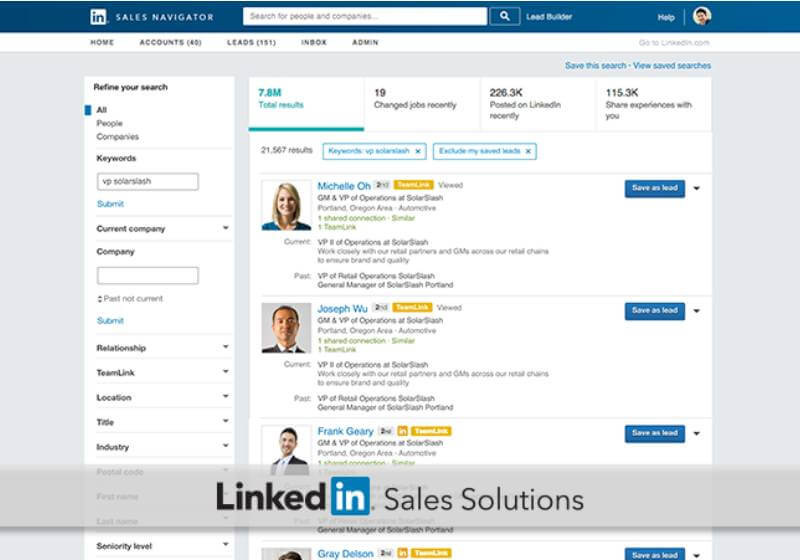
Sales Navigator is a paid LinkedIn add-on. It makes it easier to find and reach the people you particularly care about contacting. All thanks to varied criteria which, once filled in, let you narrow the search down to the most valuable contacts.
After finding a person of interest, you can save them as a "lead" - the person will not be informed about it. From then on you can follow their activity to interact with the content they publish on an ongoing basis - by commenting or liking it. On this basis you will gain valuable knowledge about users. It will make it easier to understand the decisions they make at each stage of the sales process.
What is more, Sales Navigator will suggest users similar to the leads you already follow. Other useful features include categorizing found users into people who changed jobs within the last 90 days, published something on their profile within the last 30 days, or are similar to you in professional experience.
Automating content distribution
Buffer
source: Buffer
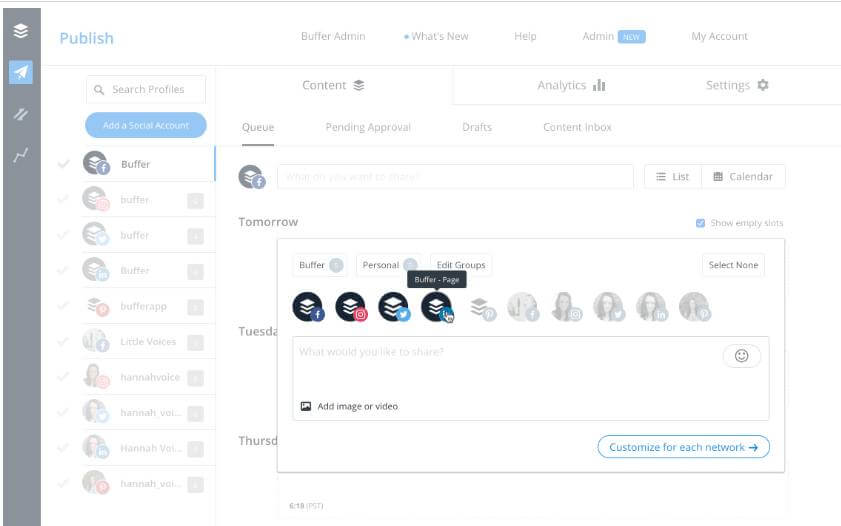
People in your target group are rarely users of just one social portal. How do you keep up with regularly delivering quality content matched to the specifics of each portal and to users' interests? Buffer - a social media account management tool - will help. Through it you can schedule posts on Facebook, LinkedIn, Twitter and more. This way you avoid situations where your profiles stay inactive for long periods. And that is key to building engagement and loyalty in the community around your brand.
Organizing collected contact data
Livespace
source: Livespace
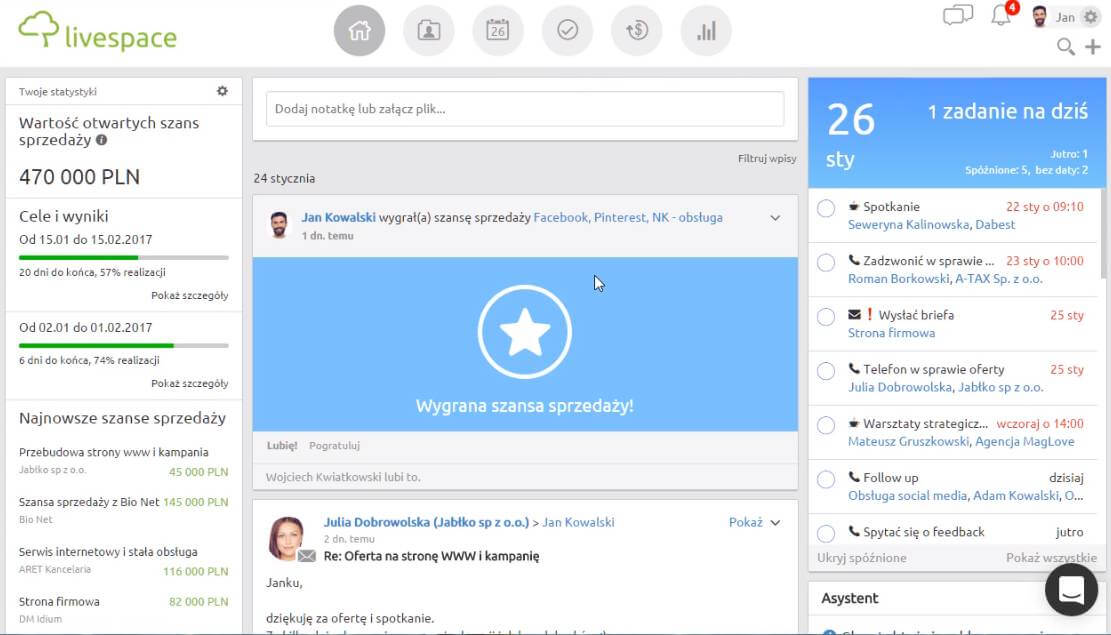
You have reached many interesting contacts. Now you must organize their data to build an effective sales process. Livespace offers a solution that speeds up adding new leads to a CRM. It is the Livespace Social Contact plugin, available as a Google Chrome integration. As you browse people's profiles on social portals, it collects and summarizes the data the person has shared on their profile: name, email address, photo, phone number, position or company name. After confirmation, the person's profile is created in Livespace. This way you quickly build a base of potential clients. You can also conveniently divide them into categories with the available tagging feature.
Effective selling
Sellizer
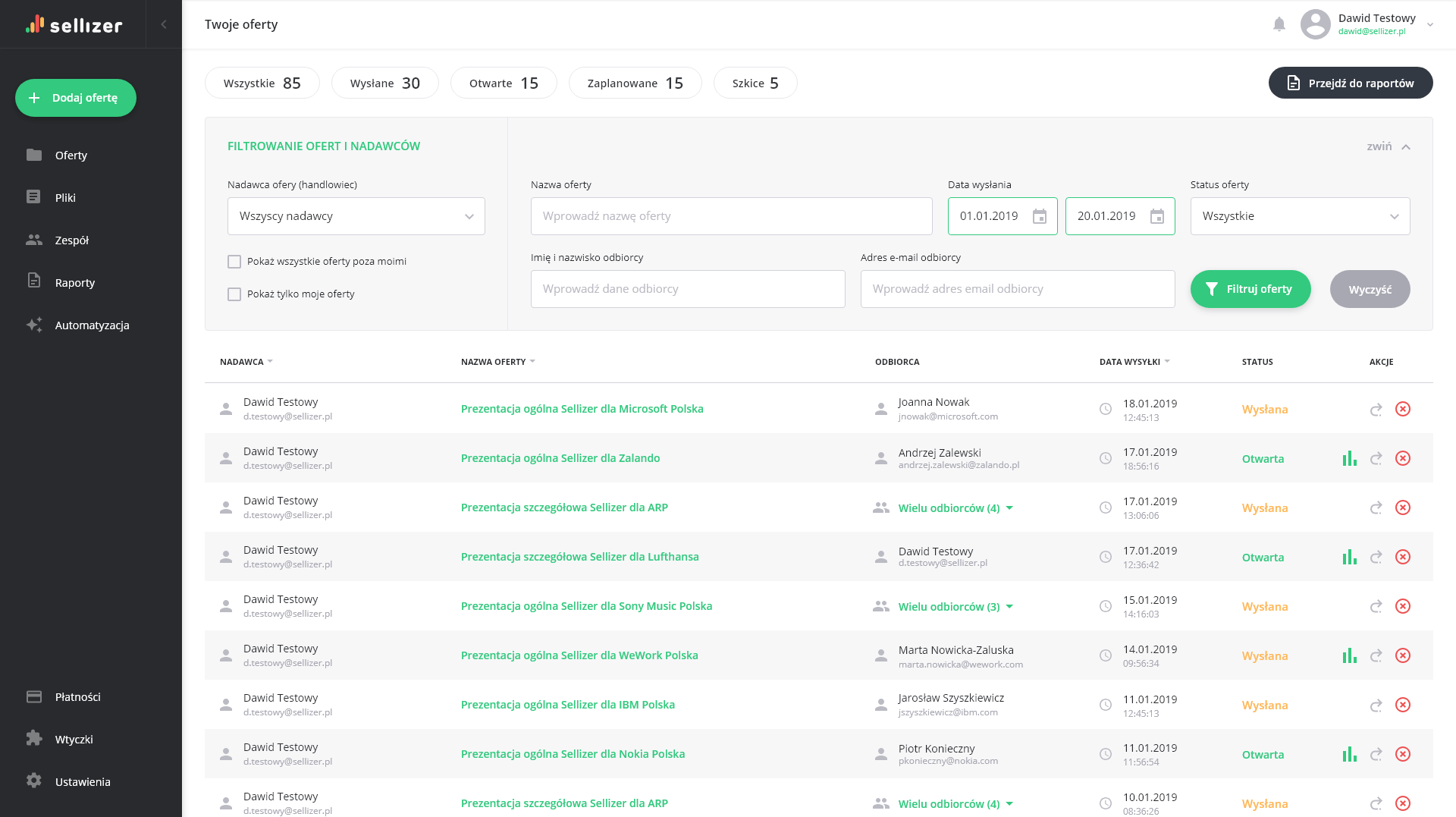
You have established a relationship with a potential client - time to develop it. You start sending proposals and... contact with the client breaks off, even though they promised to get back to you. This is one of salespeople's biggest problems - uncertainty whether the client has already viewed the proposal. Sellizer - a tool for monitoring and analyzing sent proposals - will help you solve it. The moment your recipient opens the proposal, Sellizer immediately informs you by SMS. You will also learn how long they viewed the proposal and which pages interested them most. Call your client while they are viewing your proposal and discuss it together - your chances of sales success will grow.
The tools above will help you effectively execute a multi-level social selling strategy. Remember, though, that while they automate part of the work, they will not speed up the results. Social selling will require, above all, regularity, quality content and interactions based on accurate insights.
FAQ
Which social selling tool should I start with?
Start with monitoring, not automation: a tool like Brand24 or SentiOne that shows where your prospects already talk about your category. Selling into conversations that are already happening beats automating outreach to people who never mentioned the problem.
Is LinkedIn automation (like LinkedHelper) safe?
It carries real risk - LinkedIn actively restricts accounts for automated activity. If you use automation, keep volumes human (dozens, not hundreds of actions daily), personalize every template and treat it as an assistant, not a replacement. Your account is the asset; no tool is worth losing it.
How do social selling tools connect to the rest of the sales process?
The chain is: monitoring finds the conversation, LinkedIn builds the relationship, the CRM (e.g. Livespace) stores the contact - and when the relationship matures into a proposal, proposal tracking tells you when the prospect actually reads it, so the warm contact does not go cold at the last step.