For contractors

Proposal software for contractors: send the bid and see who reads it

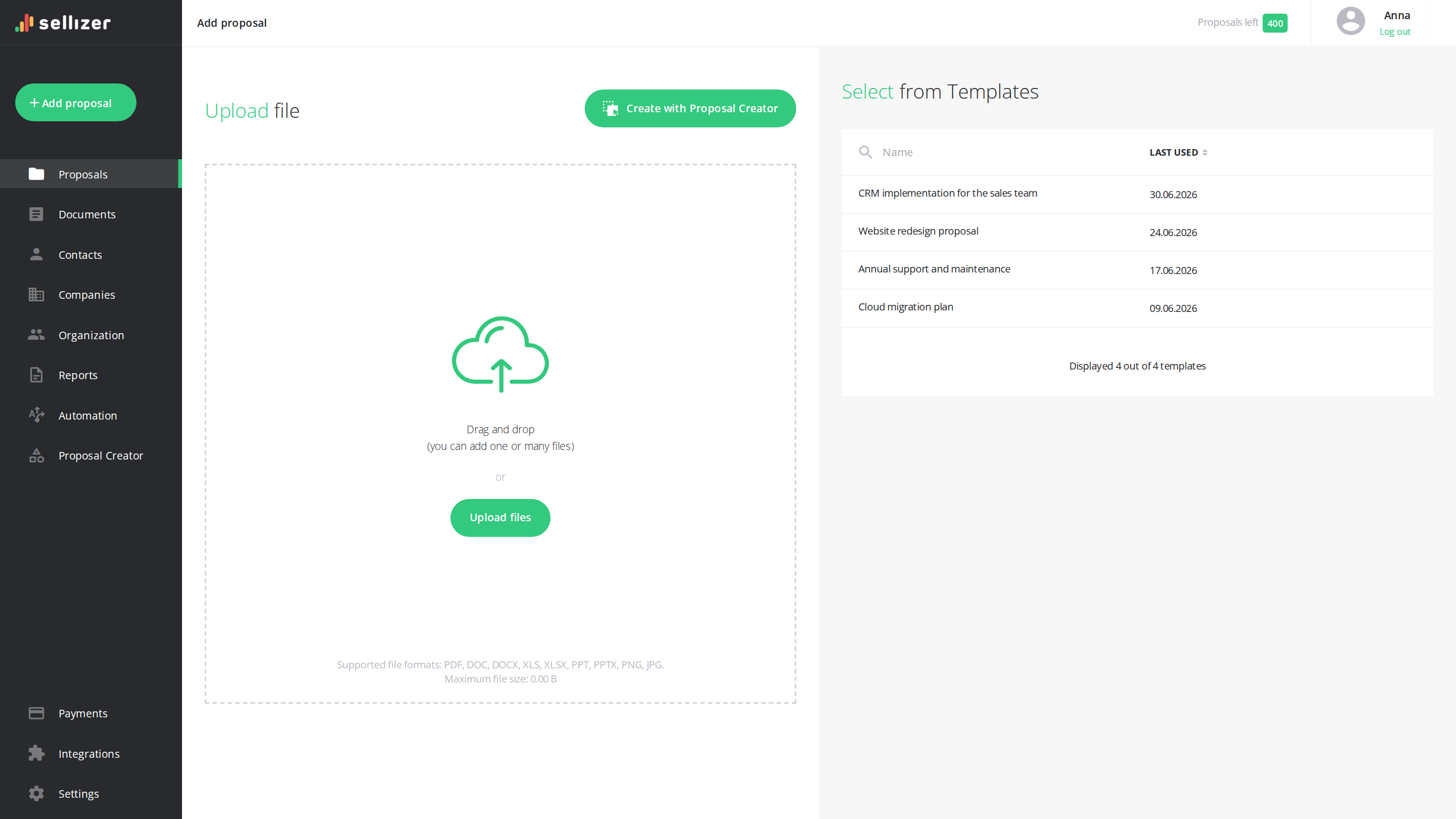
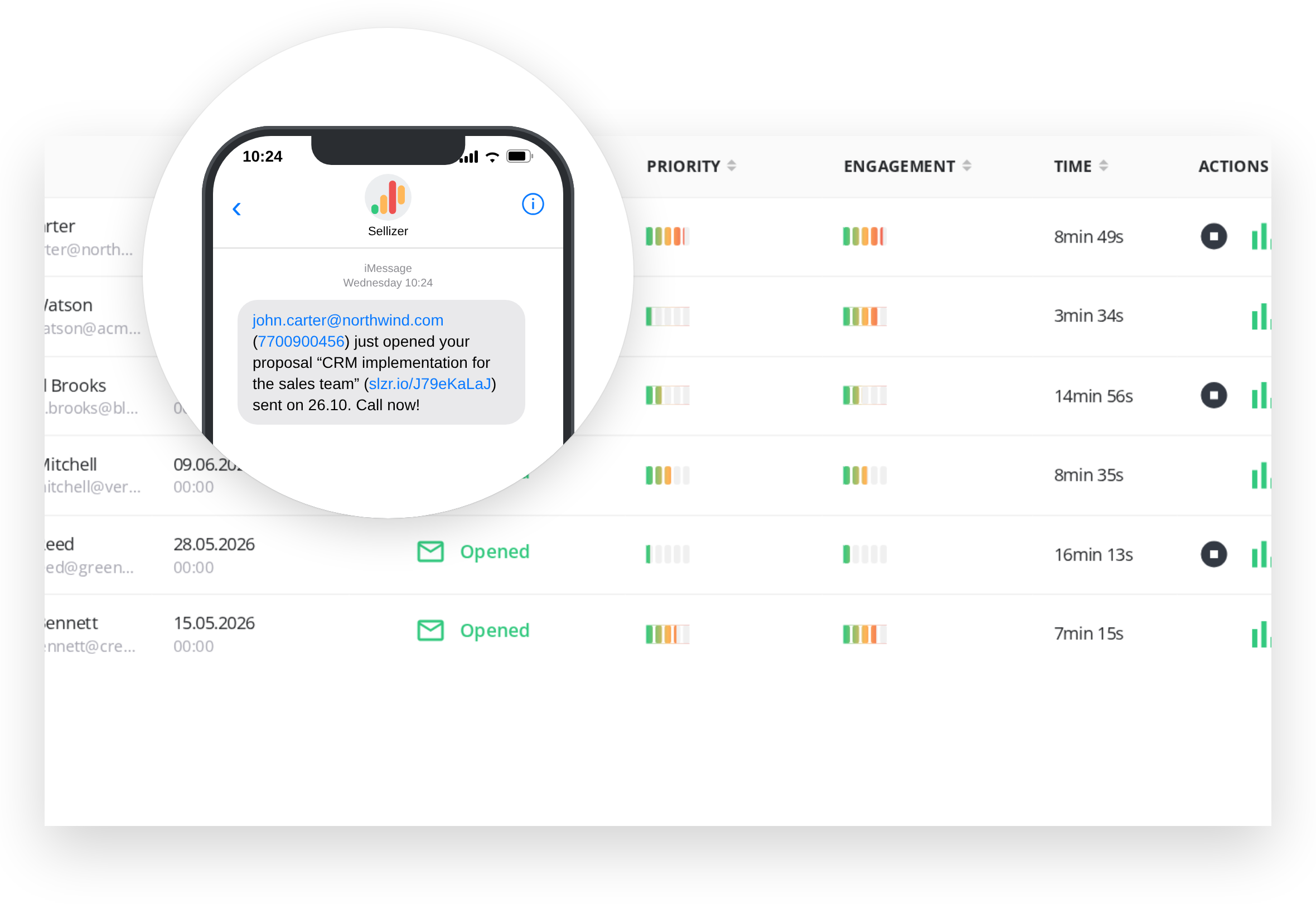
Build the proposal in Sellizer from a template, or upload the estimate and drawings you already have. Your client gets one link and reads everything in the browser. You see when they open it, how long they spend on the scope of work or the price, and whether they forward it. The first open triggers an SMS to your phone.

  • Build or upload the proposal
  • Send the link by email or text
  • Get an alert when it's opened
Northwind Properties opened your proposal
Northwind Properties is reading page 3 (scope of work) · 4 min
Northwind Properties opened the proposal on a second device

This site is protected by reCAPTCHA and the Google Privacy Policy and Terms of Service apply.

What happens after you send the bid

After the site visit you price the job, send the proposal and wait for an answer. Sellizer shows what the client does with it in the meantime.

You don't know whether the client opened your proposal

When the client first opens it, you get an SMS and an email with a link to the statistics and the recipient's phone number.

You can't tell whether they looked at the price, the scope or the schedule

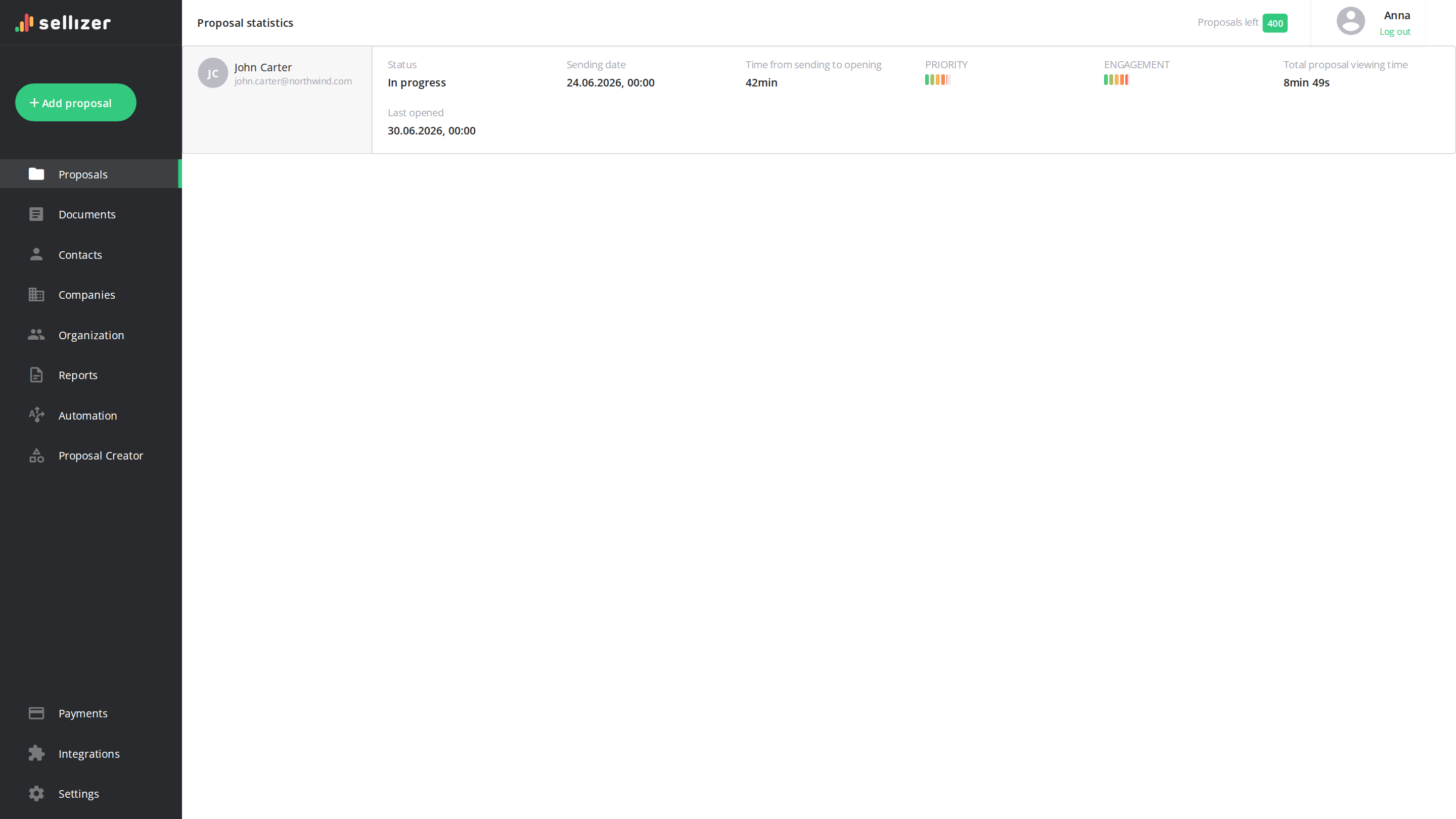
You see how long the client spent on each page, so you know whether to open the call with the scope of work, the price breakdown, the schedule or the payment terms.

Someone else signs off, and you have never spoken to them

Sellizer shows whether the proposal was forwarded and how many people viewed it, so you know someone else is reading it, for example the owner, the architect or the property manager.

The client is ready to say yes and still has to call or write

Turn on the acceptance button when you send. The client accepts the proposal in one click while reading it, and you get an email right away.

  • Build the proposal from a template

    Arrange the sections, add the scope, photos and prices for this job, and save the result as a template for the next one. If your estimating software already exports a finished proposal, skip this step and upload the file.

    • Template gallery plus your own layouts
    • Your logo on the proposal page
    • Finished PDF, Word and Excel files
    Learn more
    Build the proposal from a template
  • Call while the client has your bid open

    You hear about an open right away, on the job site too, so you can call before the client moves on to something else.

    • SMS when the proposal is first opened
    • Email on every open
    • A link to the statistics and the client's phone number in the alert
    Learn more
    Call while the client has your bid open
  • See which pages the client read longest

    Send the proposal, drawings, photos of past jobs and your insurance certificate in one link, and each file gets its own statistics. The heatmap shows where on a page the client spent the most time.

    • Time on each page and total reading time
    • Prints, downloads and forwards
    • Any number of files of up to 200 MB each in one proposal
    Learn more
    See which pages the client read longest
  • Follow up without keeping a list

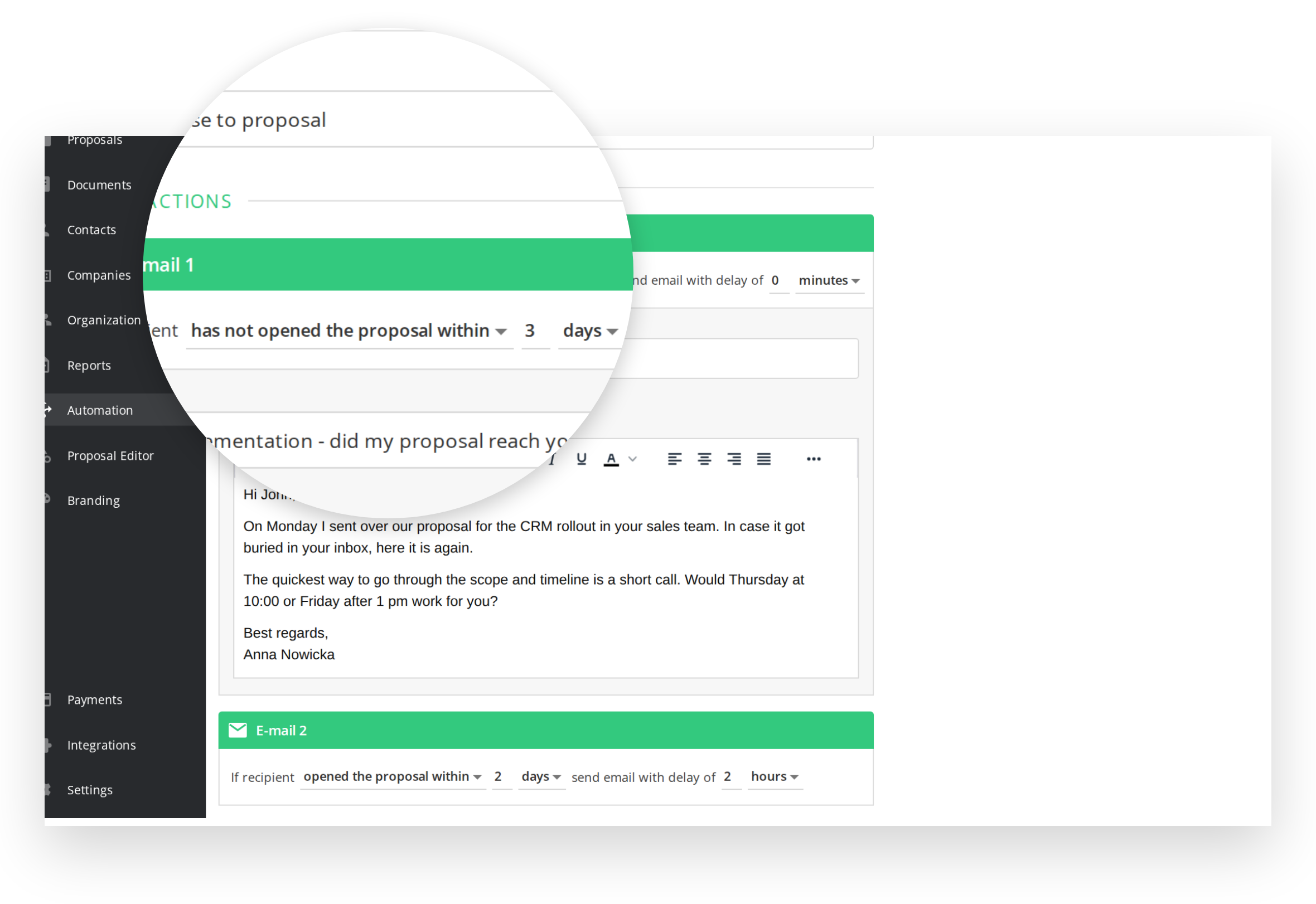
    Write the follow-up messages once, and Sellizer sends them in order after the proposal goes out. To have the series stop when the client replies, connect your mailbox and turn on reply detection.

    • You set the wording and the intervals
    • You can stop the series yourself at any time
    • PRIORITY score shows which proposal to call about first
    Learn more
    Follow up without keeping a list

How Sellizer works alongside your estimating software

Estimating stays where it is

Takeoffs and pricing in your own tools

You price the work in your estimating software, the way you do today. Sellizer handles the proposal the client sees.

Files

Upload what you already export

PDF, DOC, DOCX, XLS, XLSX, PPT, PPTX, PNG, JPG, MP4 or HTML. Send the link by email, by text message or in any channel you use with the client.

Acceptance

One-click acceptance

The client accepts the proposal in one click while reading. You get an email right away, and the status in Sellizer changes to "Accepted".

Who Sellizer is for in construction and the trades

  • General contractors and remodelers whose proposal carries the scope of work, the price and the schedule
  • Specialty trades such as roofing, HVAC and electrical, who send many proposals and need to know which clients to call first
  • Commercial contractors whose proposals are read by several people at the client before anyone decides
  • Owners and estimators who want every open proposal and its status in one place

Selected Clients:

Questions from contractors

Is Sellizer construction estimating software?

No, Sellizer works alongside your estimating software. You price the work in your estimating software or a spreadsheet. In Sellizer you build or upload the proposal, send it as a link and see when the client opens it, how long they read each page and whether they print, download or forward it.

Can I send the file my estimating software exports?

Yes. Upload it as PDF, DOC, DOCX, XLS, XLSX, PPT, PPTX, PNG, JPG, MP4 or HTML. One proposal holds any number of files of up to 200 MB each, so the estimate, drawings and photos go out in one link, and each file gets its own statistics.

Can the client accept the proposal online?

Yes. Turn on the acceptance button when you send the proposal, or set it as the default for every proposal. The client accepts in one click while reading. You are emailed right away and the status changes to "Accepted".

Does the client need an account or an app to read the proposal?

No. The client opens the link and reads the proposal in the browser, on a phone too, without creating an account.

How do I know when to follow up on a bid?

Two scores help here. PRIORITY (0–100) shows which clients are active right now, and ENGAGEMENT shows who was close to a decision before going quiet. The first open also triggers an SMS, and every open an email.

Can I try Sellizer before buying?

Yes, Sellizer is free for 14 days.

See who reads your next bid

Try it free for 14 days