



10 Best Tools to Send and Track Sales Proposals

What are tools for sending and monitoring sales proposals?
Tools for sending and monitoring sales proposals help streamline and increase the effectiveness of various parts of the sales process. On the one hand, they let companies automate certain tasks; on the other, they enable deep data analysis and more precise proposal personalization.
Tools for sending and monitoring sales proposals can have various features, such as:
automation of follow-ups,
proposal opening notifications,
proposal management,
proposal personalization,
support for lead nurturing,
real-time monitoring and reporting,
proposal analytics,
and more.
Why use tools for sending and monitoring sales proposals?
Such tools support us at various stages of the sales process. The most important improvements include:
Monitoring and analytics - with tools for sending and monitoring sales proposals you will always know what is happening with your proposal. After sending the email you wonder: Has the potential client seen it? Did they open and read it? How much time did they spend reviewing it? Which part caught their attention and which did they skip entirely? No more guessing - with such tools this data is no secret. This information helps improve your existing proposal and sales process. Knowing when the client opened the proposal, you get a chance to make contact at the key moment for your sale. And thanks to analytics, you can make your proposals better matched and more interesting to potential clients. You, in turn, gain valuable knowledge about the recipient that lets you prepare for your first conversation.
Better results - a proposal sending and monitoring tool is like a member of your sales team. With the knowledge it delivers, you will improve your proposals and your results. What is more, such a tool will help you organize the whole proposal process, manage it effectively and provide advanced reporting.
Engagement - one of the most important factors when deciding to implement a proposal sending and monitoring tool in a company. Who among us does not want to create proposals that stop clients from skimming or skipping half the file? Knowing what interests them, you can prevent it. Your proposals will be more personalized - with better-fitting CTAs (Call To Action), information, videos and other materials.
What to look for in a proposal tool?
The key to finding the right proposal sending and monitoring tool is accounting for your current workflow and the specifics of your company. It is worth considering the following features:
Integrations - the ability to integrate the tool with the other systems you use in your company. Remember, you already have a process in place, and changing it completely would not be beneficial. So check whether the chosen tool is compatible with your current solutions. The most important integrations are with CRM systems and email. It will make implementing the proposal software much easier and smoother.
Follow-ups - or more precisely their automation, one of the key features you will use in proposals. You decide the condition on which they are sent to the client (e.g. when the client opened / did not open the proposal, when they read it once / twice / three times, how much time they spent on it, etc.). From that moment you can forget the tedious, disliked calls asking "Have you read my proposal?" - the automation will knock on the client's door for you.
Team management - the ability to analyze team statistics can significantly affect its performance. You know how many proposals were sent, how engaging they were, who generated the best results and so on. This tells you which salesperson is doing best and who may need support.
Analytics - all the features that allow monitoring open rates, engagement, responsiveness, closed deals and so on are key. They let you analyze the course of the proposal process and sales operations on an ongoing basis, find bottlenecks and eliminate them.
Ease of implementation and quick results - it is important that the tool is easy to implement and use. Salespeople are not always eager to adopt new solutions, so make the process painless for them. Also pay attention to how long it takes before you see real value from using the tool.
User interface - test the tool and see whether you simply like using it, whether the interface is friendly and easy to operate.
How to choose the right proposal sending and monitoring tools for you?
It is worth mentioning that there are different kinds of proposal tools. Some can help you with the whole process - from creation, through sending, to management and analytics. Others specialize in monitoring, management and reporting. These are perfect for companies that are happy with what they create and have proven proposal templates, but simply do not know what happens to them after sending and what to do next, and when, to increase the chance of a sale.
So first you must analyze the needs of your company and clients. Then decide at which stage of the proposal process you need help and automation.
Once you know that, it is time for tests. Try different tools and see which suits you best. In this article we included tools that offer a free trial, so testing a few of them and checking which one is best for you should not be a problem.
If you want to save some time, read on. We have done half the work for you! Here is an overview of the 10 best tools for sending and monitoring proposals. We hope you find something for yourself.
Sellizer
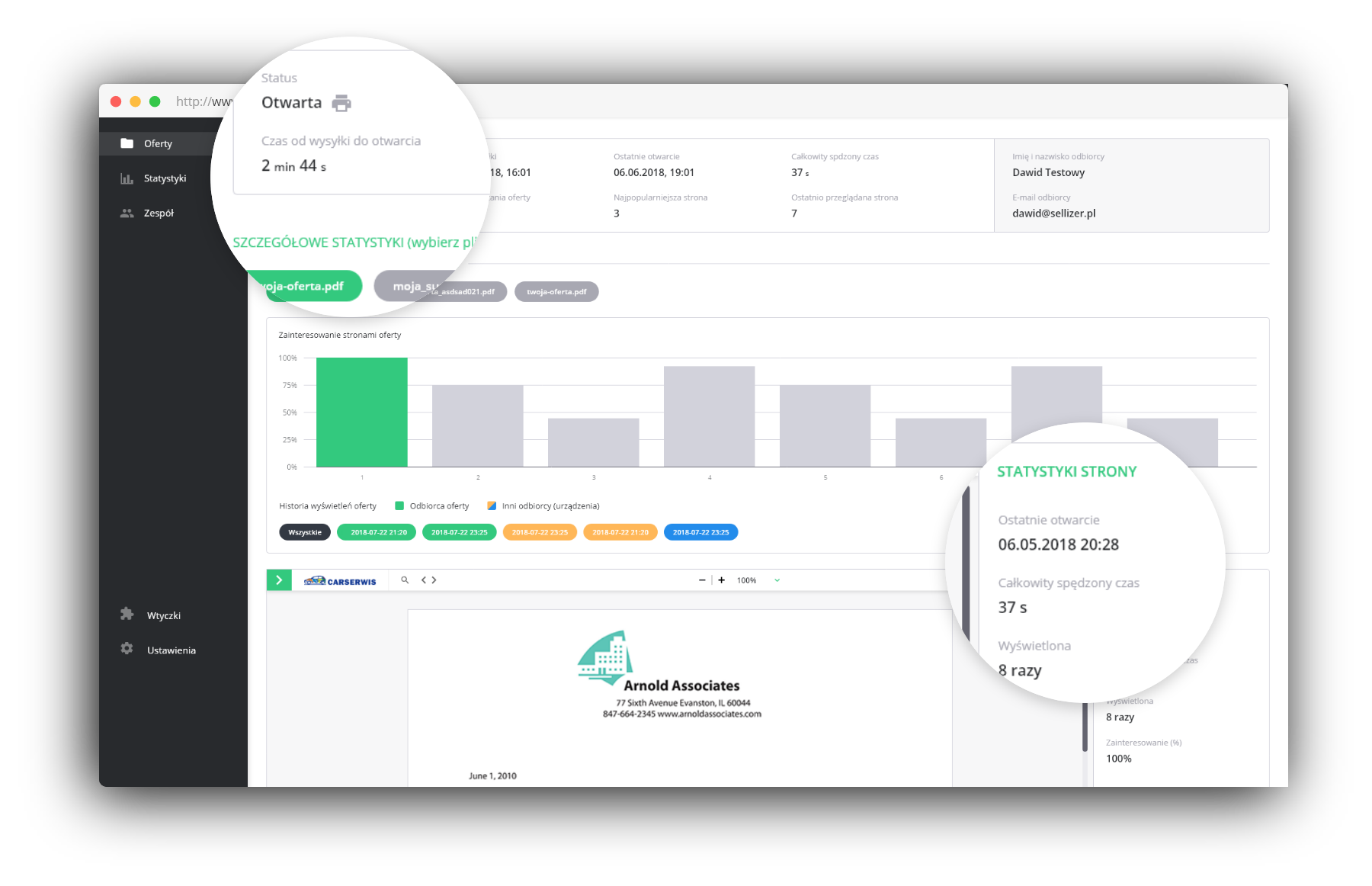
Sellizer is a comprehensive tool for proposal automation and sales support. With real-time proposal tracking and instant notifications about openings, you can contact potential clients exactly when they are engaged with your proposal - which is crucial for effective selling.
Also very useful are the proposal statistics showing which parts were most interesting to potential clients. Extensive analytics let you track how long they read the proposal, which pages they spent the most time on, which elements they skipped, whether they shared the content with someone or printed it. This will help you adjust the proposal and prepare properly for the first conversation with the client. It will increase both your comfort and your effectiveness.
With Sellizer you will understand your clients better and significantly increase your sales results.
Key features:
- notifications about every proposal opening
- sending proposals via a generated link
- extensive real-time statistics
- team management
- artificial intelligence that assesses sales chances
- follow-up automation
- lead nurturing
- easy attachment management
Docsend
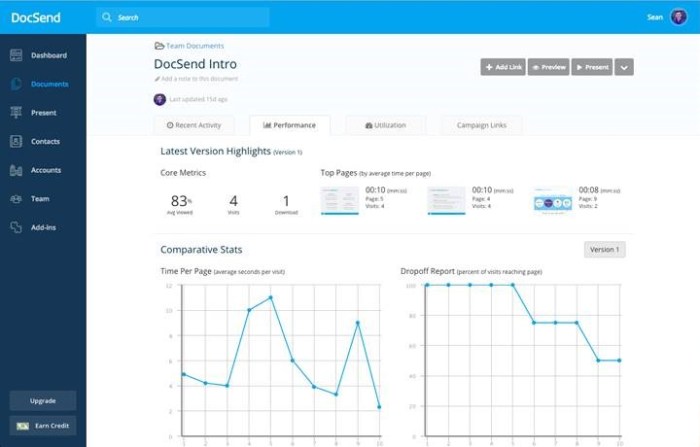
Docsend is a platform for secure and easy sharing of all kinds of documents. It lets you store documents, protect them with passwords and analyze what happens to them after sending. It integrates with Google Drive, Dropbox and OneDrive.
Docsend users appreciate most that it helps them organize all documents in one place so they can find them easily. It saves a lot of time and lets salespeople focus on their core tasks.
Key features:
- sending proposals via a generated link
- real-time analytics
- ability to update shared files at any time
- electronic signature
- increased security
- cloud drive integrations
Bit.ai
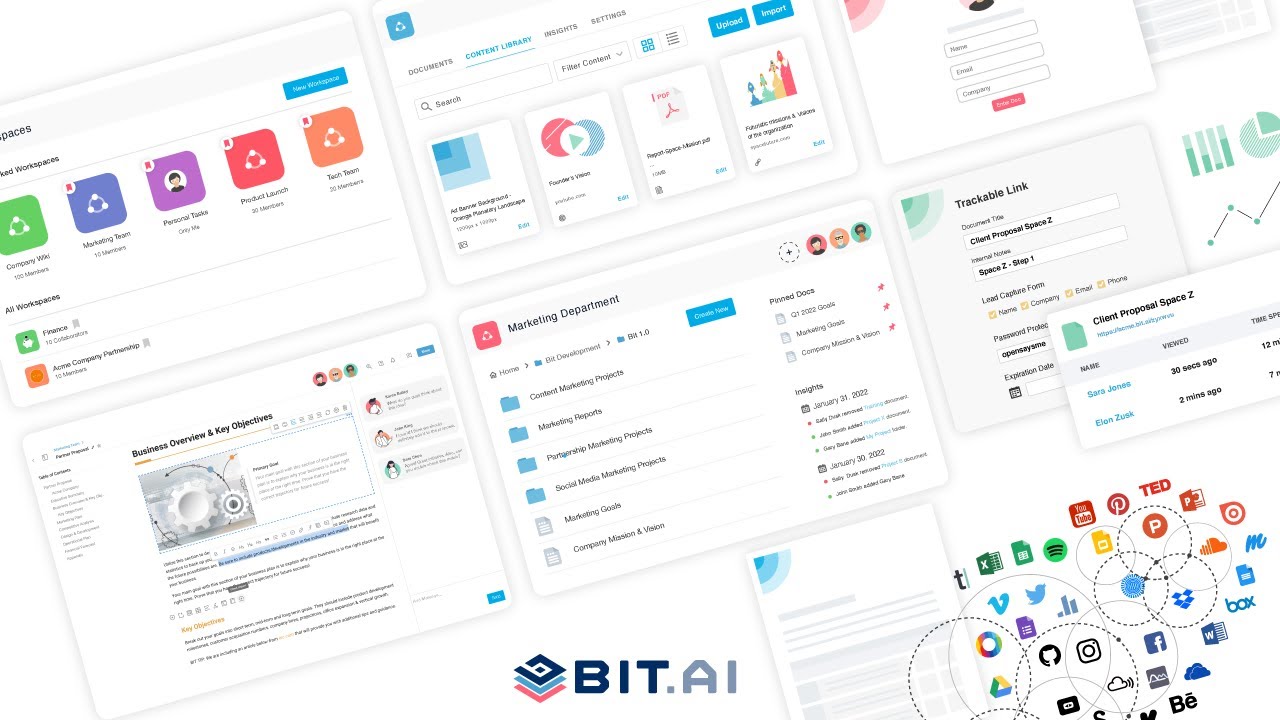
Bit.ai is a document collaboration platform built for teams. Whether you want to organize and share notes, documents, client deliverables, projects or technical guides - Bit.ai lets you do it.
Bit.ai serves a very wide range of clients. Individual users use the space for storing and organizing their documents. Teams can streamline their work by sharing documents with each other and with their clients or business partners. It is especially convenient for teams working from different places around the world, as it makes collaboration much easier.
Key features:
- template gallery and smart widgets
- a clever text editor with commenting
- collaboration features
- many integrations (including Google Sheets, Tableau, Trello, Canva and more)
- document monitoring
PandaDoc
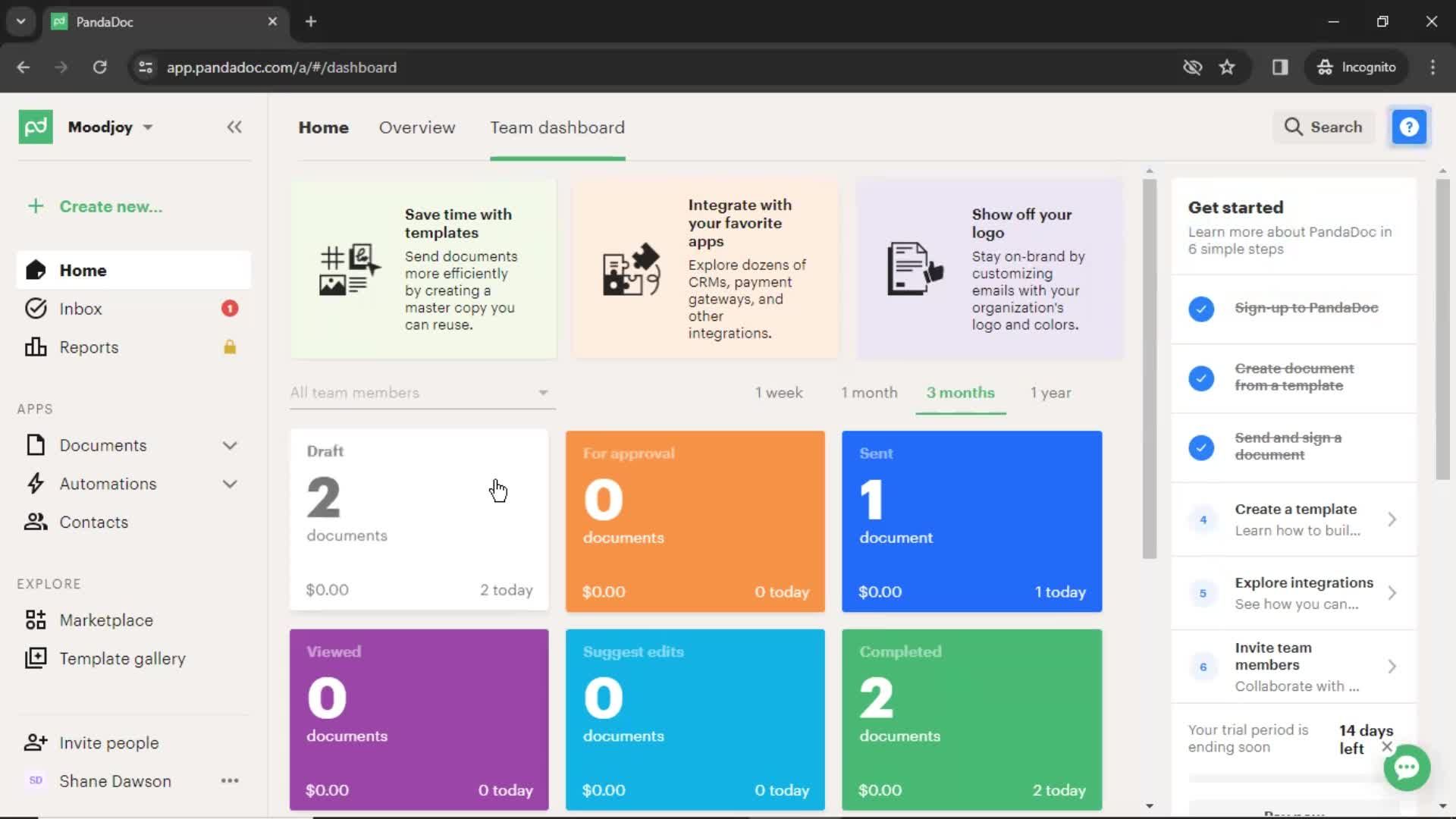
PandaDoc is more than an electronic signature. The tool's goal is to help streamline the document workflow in your company, and consequently increase productivity and sales. With PandaDoc you will create attractive documents, send them and monitor their effectiveness.
What draws attention to the tool are its customization features in the document creation space. It is very easy to create eye-catching proposals by choosing from editable elements and ready-to-use templates. At the same time, users can create custom themes, colors or fonts and add branding to their proposals.
Key features:
- a wide range of templates
- extensive personalization options
- electronic signature
- analytics features
- many integrations with tools like Hubspot, Zapier, Stripe or Google Drive
Better Proposals
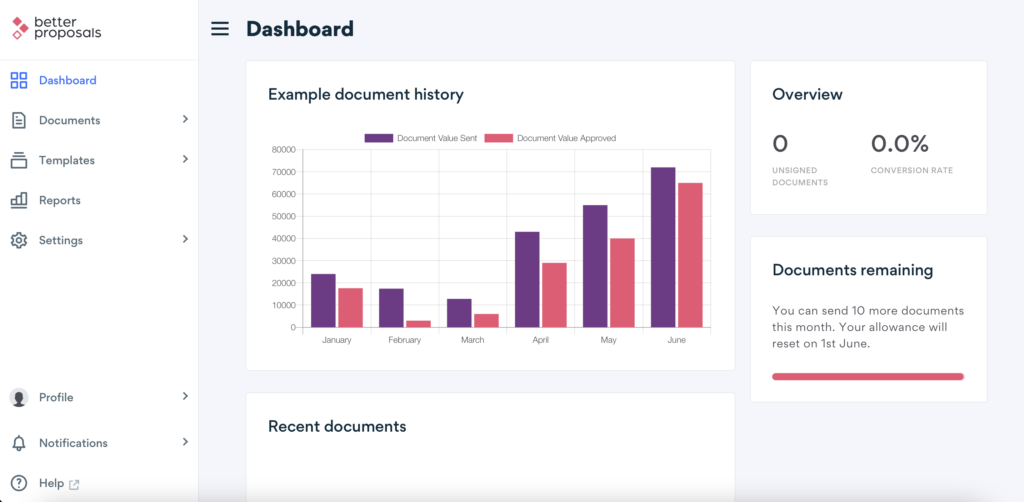
Better Proposals is a proposal tool that enables creating and customizing proposals that convert well. Once you know what works, you can save the best fragments of your proposals in a content library for future use.
Better Proposals is not just a proposal editor. It lets you deliver files and have them signed. You will receive an email notification every time your proposal is opened, forwarded, printed or signed. This way you will know exactly what is happening with your proposal and when to take the next step to increase your chances of a sale.
Key features:
- over 160 ready-to-use templates
- extensive personalization options
- smart follow-ups
- monitoring and reporting features
- instant notifications
- smart pricing tables that help set fees
- many integrations
Mailtrack
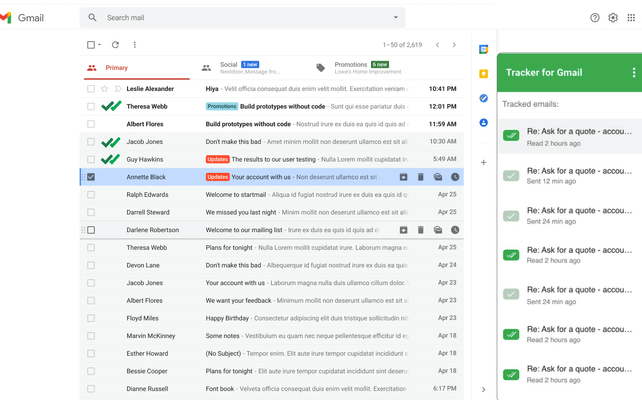
Mailtrack is free email monitoring software for Gmail. If you want to know when your emails are opened, with instant status update notifications - this is the right tool for you.
Key features:
- free
- fast
- simple and intuitive to use
Mailbutler
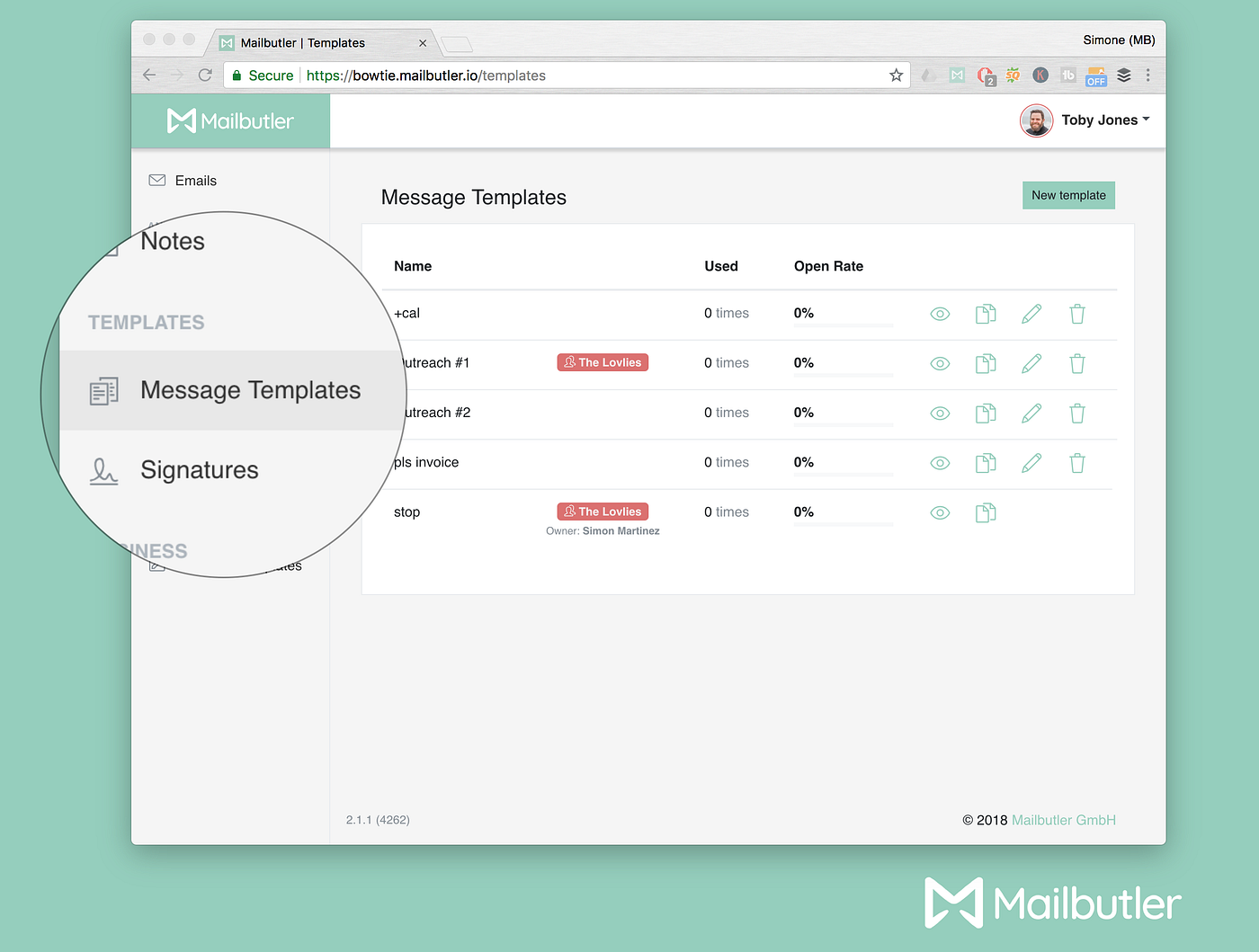
Mailbutler is an email extension that helps you monitor emails, schedule them and personalize their content. You can use message templates, customize your signature and monitor what happens to an email after sending. If needed, you can even undo sending a message.
Mailbutler also offers interesting contact management features. You can add notes and tasks to clients, receive predictions about the best sending time and review the conversation history with a contact. With Mailbutler your emails will be much better organized, and you will always remember who you should contact and when.
Key features:
- configurable message templates
- collaboration options, such as sharing and commenting on emails
- real-time notifications when a link is clicked or an email is opened
- contact storage and management
- many integrations (including Evernote, Asana, Todoist and more)
Pipedrive
Pipedrive is a customer relationship management (CRM) platform created by salespeople for salespeople. It lets you manage leads and deals, automate communication, monitor and dig into important metrics. With Pipedrive you will have all sales-related information in one place.
Users also value the ability to create visual sales pipelines, which makes their work easier. Every time they complete a step, Pipedrive reminds them to plan the next one. What is more, you can integrate the tool with Google Calendar and sync all activities with it.

Key features:
- visual sales pipelines
- follow-up automation
- easy to use
- mobile app available
- extensive reporting features
Hubspot
Hubspot is marketing, sales and service software with one clear goal - to help grow your company. It is a CRM platform divided into several tools and integrations that support you at different stages of your workflow. Depending on your needs, you can choose between the Sales Hub, Marketing Hub, Service Hub, CMS Hub and Operations Hub.
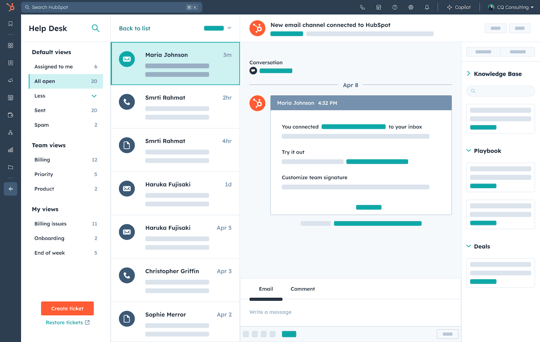
The Sales Hub has one main goal: to eliminate friction at every step. And it really helps at every stage. From email templates to email monitoring, from contact management to meeting scheduling - it is the full package.
Key features:
- email monitoring and notifications
- message templates and email automation
- document sharing
- electronic signatures
- email sequences
- configurable reporting
- mobile app available
Salesforce
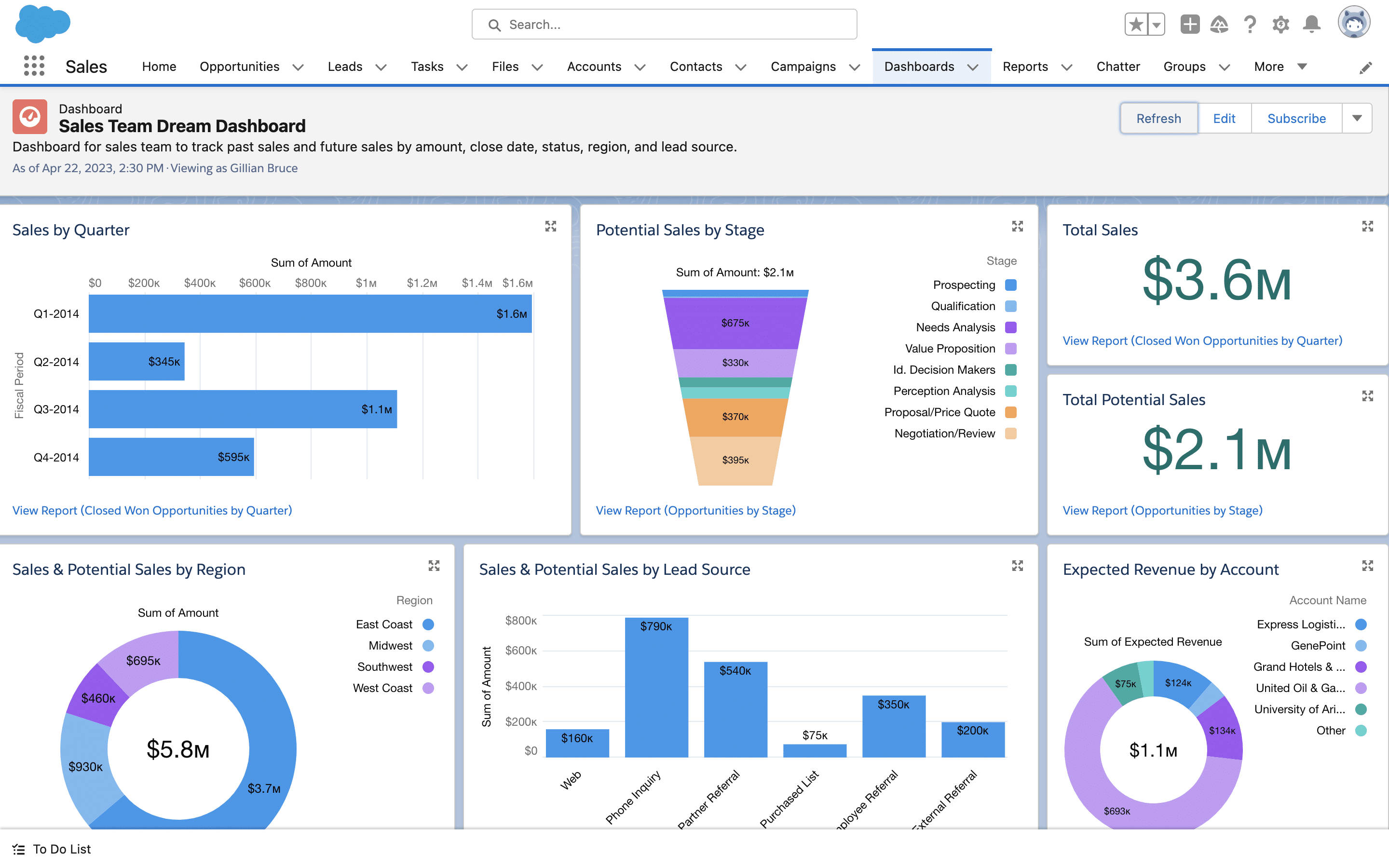
Salesforce is another CRM platform offering support for various tasks, from marketing through sales to customer service. It enables efficient lead management, automation of administrative tasks and closing more deals, regardless of company size and industry.
For sales tasks it offers an app called Sales Cloud. It gives full insight into client information, lead management and sales data analysis. It also works great as a sales team management tool. You can monitor all proposals in one place and keep all related activities under control.
Key features:
- lead management
- message templates
- real-time data access
- Gmail and Outlook integration
- mobile app available
- team collaboration features
Final thoughts
Remember that a tool for sending and monitoring sales proposals should make your life easier by making the proposal process simple, fast and effective. It should save time and improve sales results. Keep the main goals in mind when choosing the right tools, and your sales will soar.
Good luck!
FAQ
Do I need a proposal tool if I already have a CRM?
They answer different questions. The CRM knows what happened before sending (contacts, stages, notes); a proposal tool knows what happens after - opens, reading time, forwards. The best setups integrate both, so engagement data lands on the deal record automatically.
Proposal builder or proposal tracker - which do I need?
Ask where your bottleneck is. If proposals look inconsistent and take hours to assemble - a builder (PandaDoc, Better Proposals). If your documents are fine but vanish into silence after sending - a tracker with notifications and follow-up automation (Sellizer). Teams happy with their templates usually need the second.
What should I test during a free trial of a proposal tool?
Three things on your real workflow: does sending fit how you work today (email, link, CRM integration), do notifications arrive instantly and readably, and do the statistics answer a question you actually ask ("who do I call today?"). If a trial needs a manual to produce value, the daily tool will too.